
Meta Origin - Restaurant POS
Restaurant POS — Starter · Business · PRO
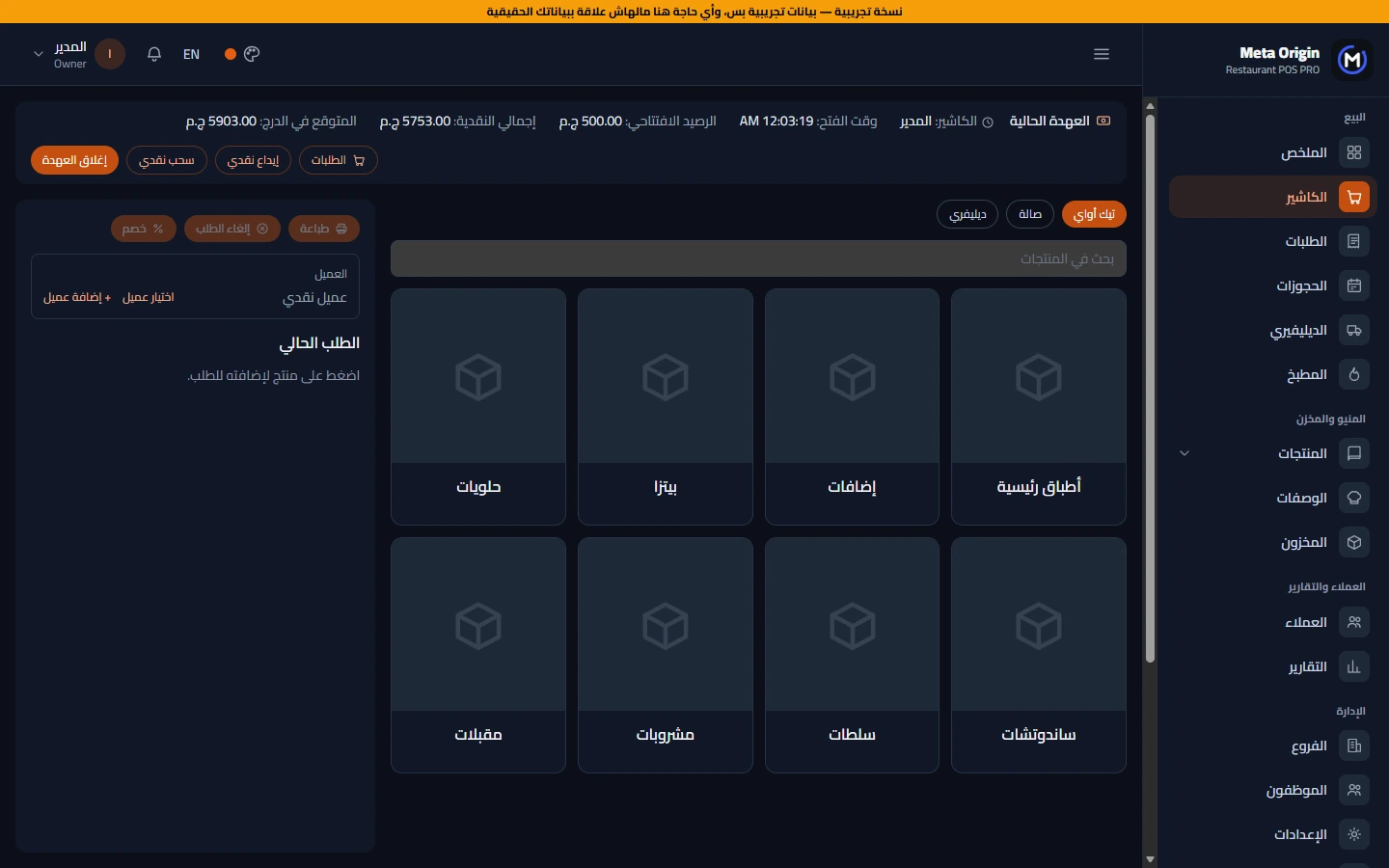
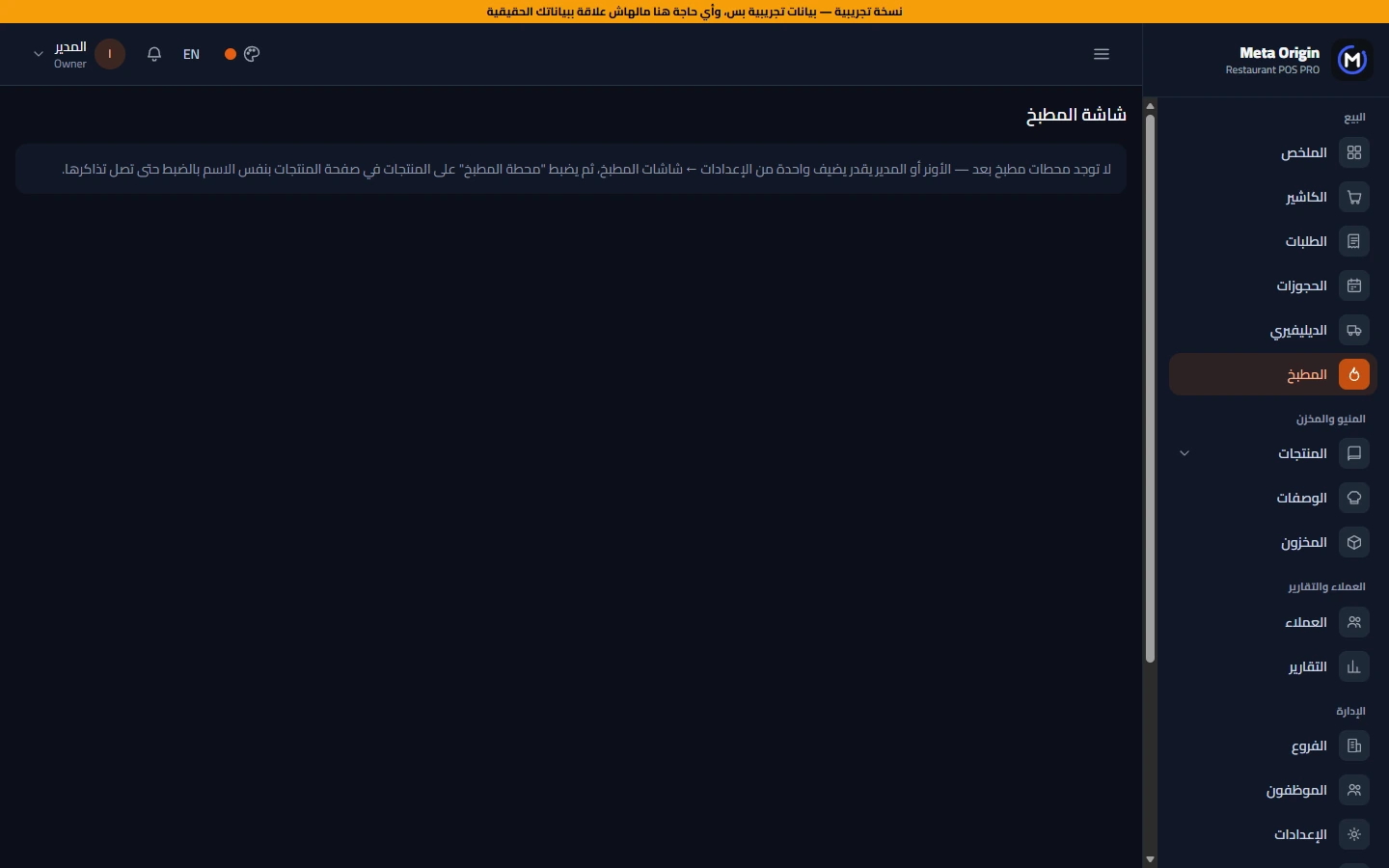
Point of sale for restaurants and cafés in plans that fit your size (Starter, Business and PRO): cashier, orders, reservations, delivery and the kitchen screen, recipes and dish cost, inventory, purchasing and suppliers, customers and loyalty points, multiple branches and transfers, reports and analytics, and staff permissions. Cashier PCs, tablets and the kitchen open it in the browser on the network, and a daily report arrives by email.
Download servers
Pick any platform or server to start downloading
Direct download
Official & fastestRAR file — 131 MB · version 1.2.0
Plans & prices
Start with the plan that fits and upgrade any time — the 14-day trial opens everything
- Core: POS, dine-in, orders, reservations, delivery, kitchen
- Core: POS, dine-in, orders, reservations, delivery, kitchen
- Inventory, purchasing & suppliers
- Recipes & dish costing
- Loyalty & advanced reports
- Core: POS, dine-in, orders, reservations, delivery, kitchen
- Inventory, purchasing & suppliers
- Recipes & dish costing
- Loyalty & advanced reports
- Multi-branch & transfers
- API & integrations
Add-on parts
Customer reviews
Why Meta Origin - Restaurant POS?
Key features that make your work easier and more accurate
Plans that fit you
Start with Starter and add parts or branches when you need them.
Cashier & kitchen
Dine-in, takeaway and delivery, and a kitchen screen per station.
Recipes & branches
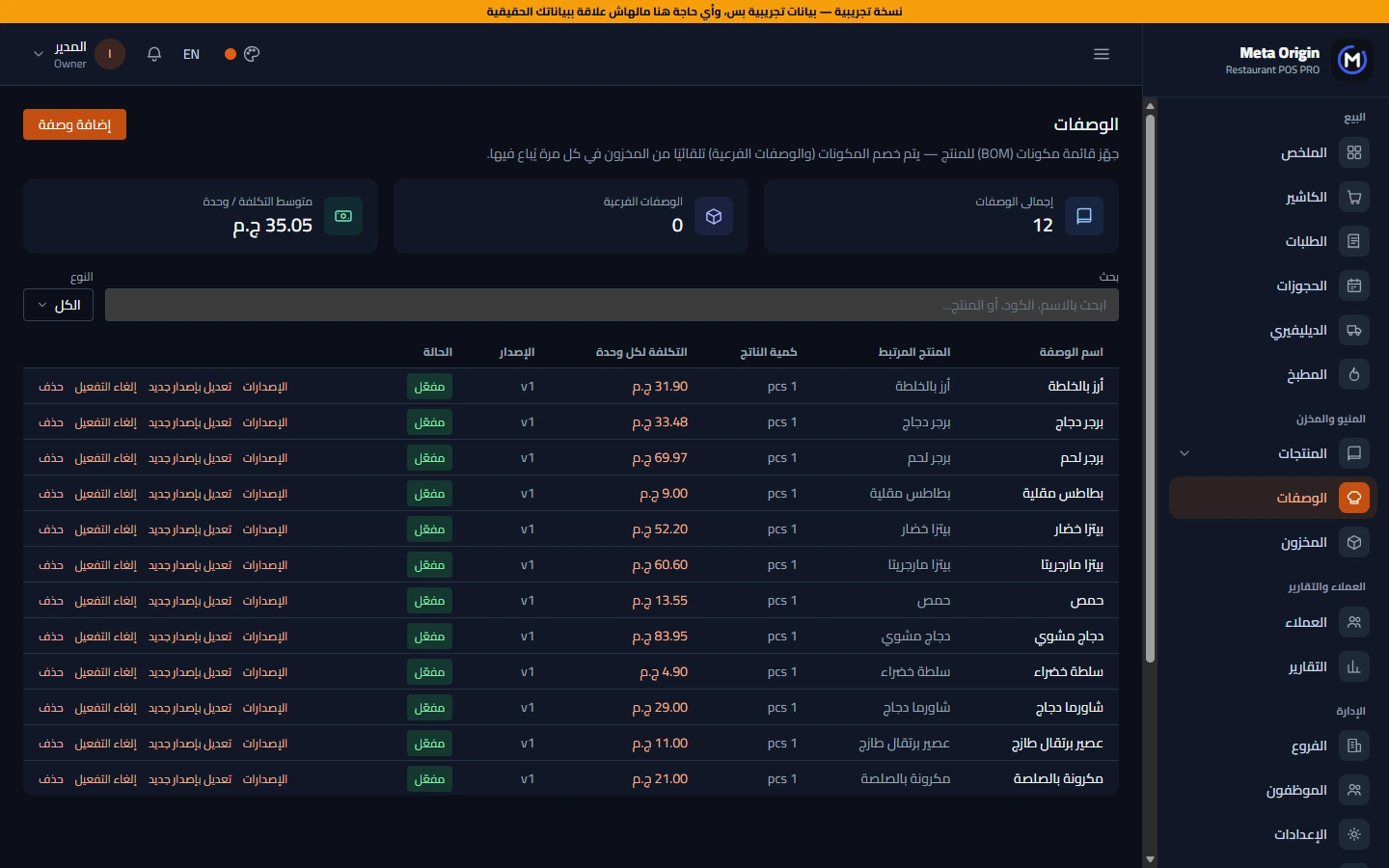
The cost of every dish, a central store and transfers between branches.
Screenshots
Click any image to enlarge it
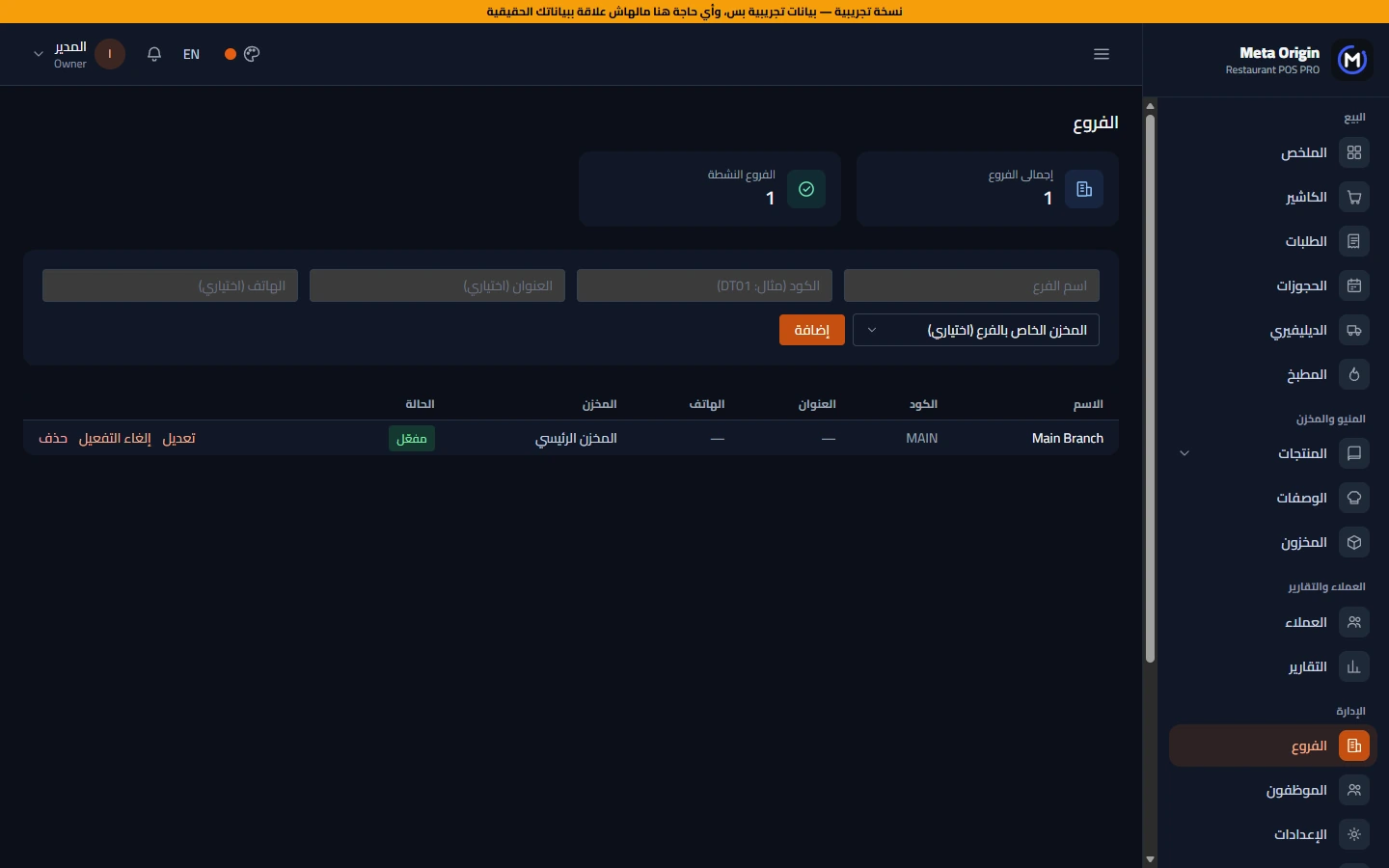
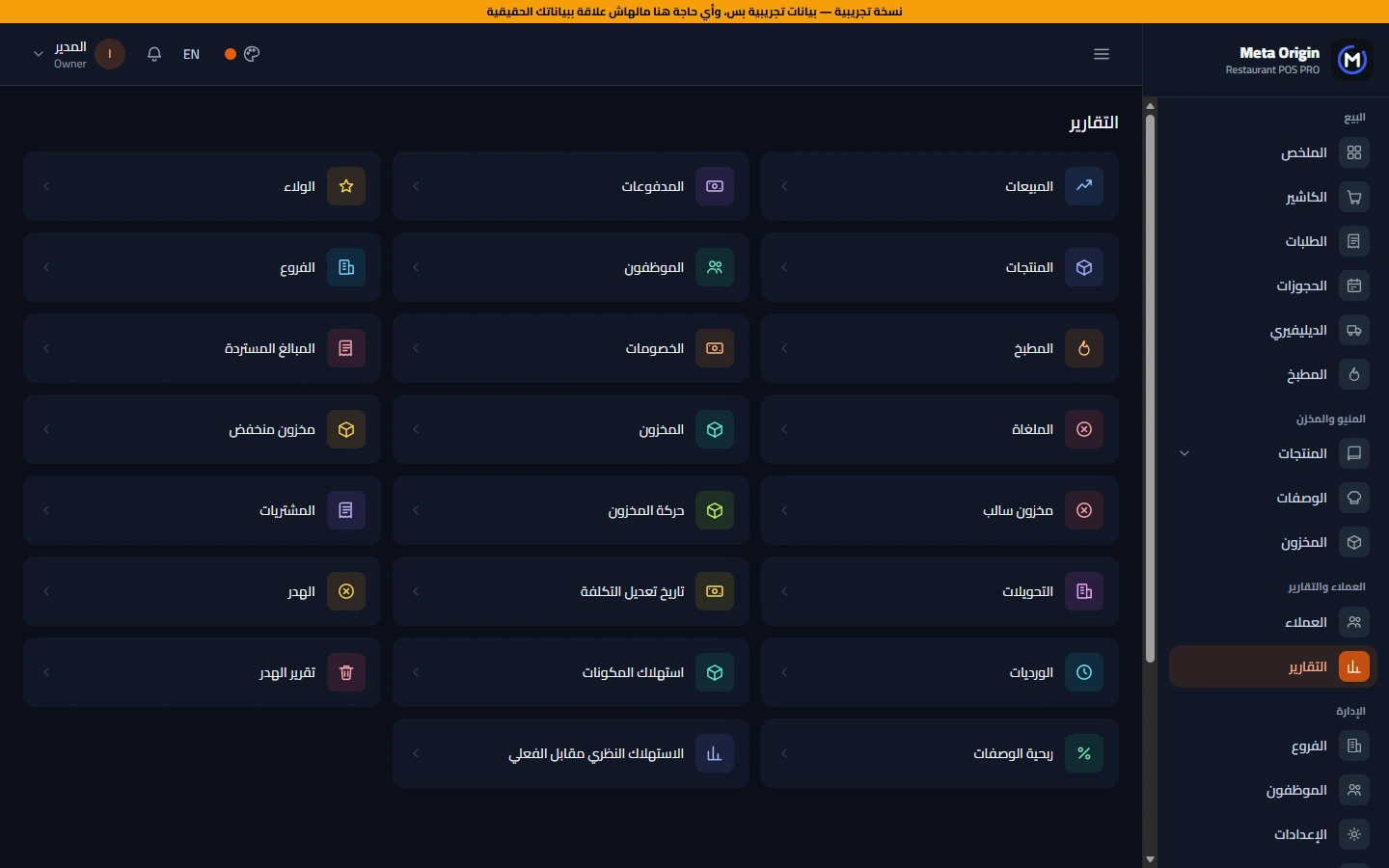
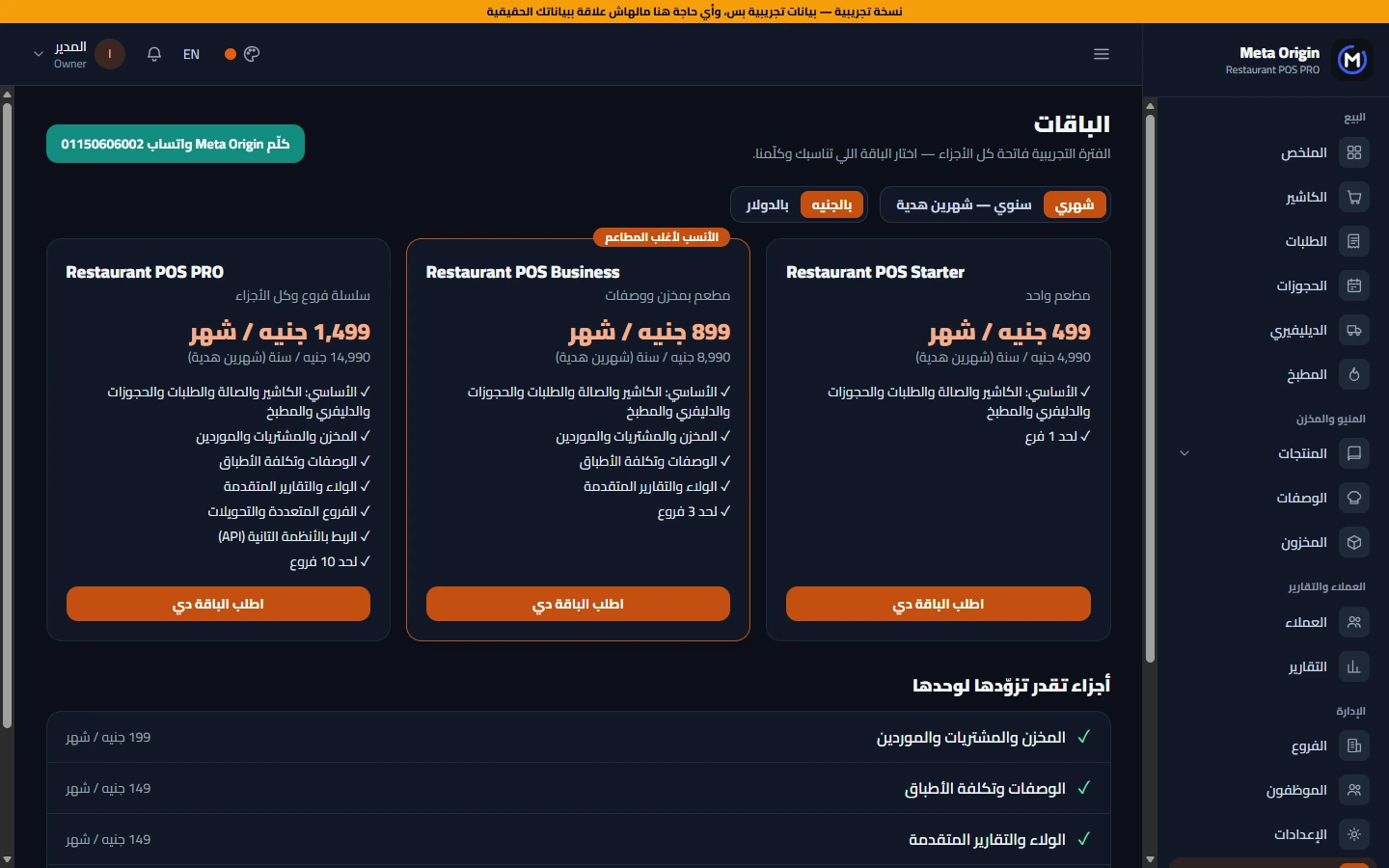
Installation steps
- 1Download the program from «Direct download» or any server above and extract it (it is a RAR file — open it with WinRAR or 7-Zip).
- 2If Windows shows «Windows protected your PC», click More info → Run anyway (this is normal for any new program not from the Microsoft Store).
- 3Run «Meta Origin - Restaurant POS Setup.exe» and choose: the main PC (the one that holds the data) or another device on the network.
- 4Choose «14-day trial» or enter your license — the machine code appears in the setup wizard if you want to activate.
- 5Open the program, sign in, and start from the detailed guide inside it — or contact us and we will help.
System requirements
- Windows 10 or 11 (64-bit)
- 4 GB RAM or more (8 GB for the main PC on a large network)
- At least 1 GB of free disk space
- Network: devices on the same router/network as the main PC
- Works with thermal and A4 invoice printers and barcode readers
FAQ
What is the difference between Starter, Business and PRO?
Starter is the core (cashier, orders, reservations, delivery and kitchen) for one branch, Business adds inventory, purchasing, recipes, loyalty and advanced reports for up to 3 branches, and PRO has every part for up to 10 branches. Any part can also be added on its own.
Do the other devices need an install?
Cashier PCs, tablets and kitchen screens open it in the browser on the same network, and there is an "other device" installer that adds a shortcut and the print agent.
Does it calculate the cost of each dish?
Yes, recipes and dish cost, and ingredients are deducted from stock automatically (in Business and PRO).
Is the program free?
You get a full 14-day trial with every screen; after that you need a license — message us on WhatsApp for prices that fit your business.
Does it work on more than one PC?
Yes: a main PC holds the data and other devices connect on the same network, and many programs also open from the browser and the phone.
Is my data safe?
Your data stays on your own computer, with automatic backups in two places (and encrypted backups to Google Drive or OneDrive), permissions for every employee and a log of every action.
Is the program in English too?
Yes, the programs work in Arabic and English and you can switch between them.
What if something goes wrong?
Inside the program there is a «Send problem report» button, or message us directly on WhatsApp and we will help.
Request the program
Fill in your details and press «Send on WhatsApp» — a ready message opens for you to send us, and we reply quickly.
Our team & contact
Contact us directly for support, questions and installation

Mahmoud Youssef
محمود يوسفLeads Meta Origin's vision and product development. He turns what organizations really need into practical systems that save time and keep the books right, and personally follows solution design, installation and customer support.

Omar Saleh
عمر صالحCo-founded Meta Origin and leads business development and customer relations. He makes sure every organization gets the system that fits its size and way of working, and follows training and after-sales service.
Share the download link
Copy this page link and share it with anyone.